
wgBill
Photograph a shared grocery receipt, pick who's splitting what, and it uploads
the photo to Nextcloud, shares it, and creates the matching bill(s) in
Cospend automatically.
## Quick Start
```bash
# Install dependencies
./install.sh
# Start both backend and frontend in tmux
./run.sh
```
The app will be available at `http://localhost:5173` (frontend) and
`http://localhost:5000` (backend).
### Docker
```bash
cp backend/.env.example backend/.env # fill in, see below
docker compose up -d --build
```
Available at `http://localhost:8080` (override with `FRONTEND_PORT`). Put
your own TLS-terminating reverse proxy in front for anything beyond
localhost, and set `SESSION_COOKIE_SECURE=true` once you do.
## Tech Stack
- **Frontend:** React, Vite, TypeScript, Tailwind CSS, installable PWA
- **Backend:** Flask, SQLite
- **Auth:** Nextcloud Login Flow v2 - each user logs in with their own NC
account, no shared credentials
- **Receipt extraction:** any OpenAI-compatible vision model (OpenAI,
Gemini, ...), configurable, not hardcoded to one provider
## How it works
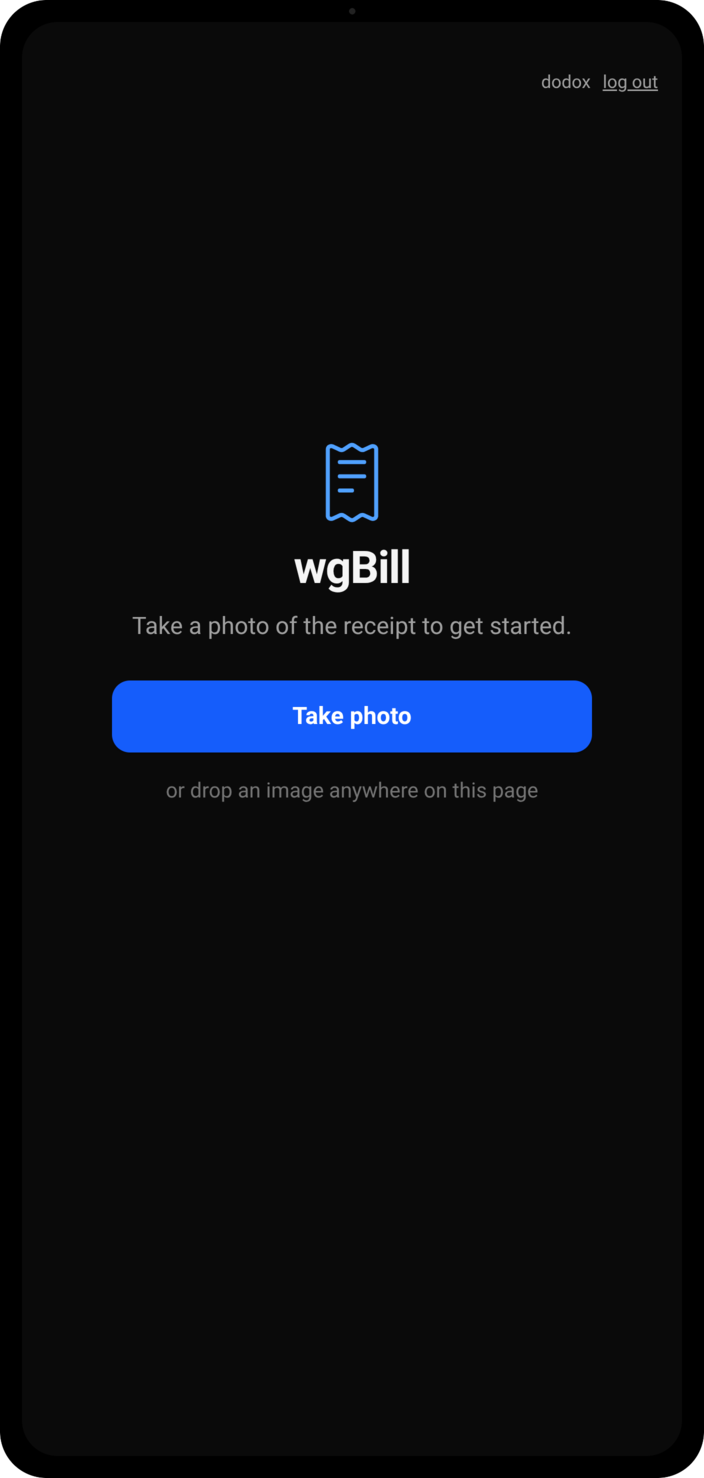
1. Take a photo of a receipt (or drop one in on desktop).
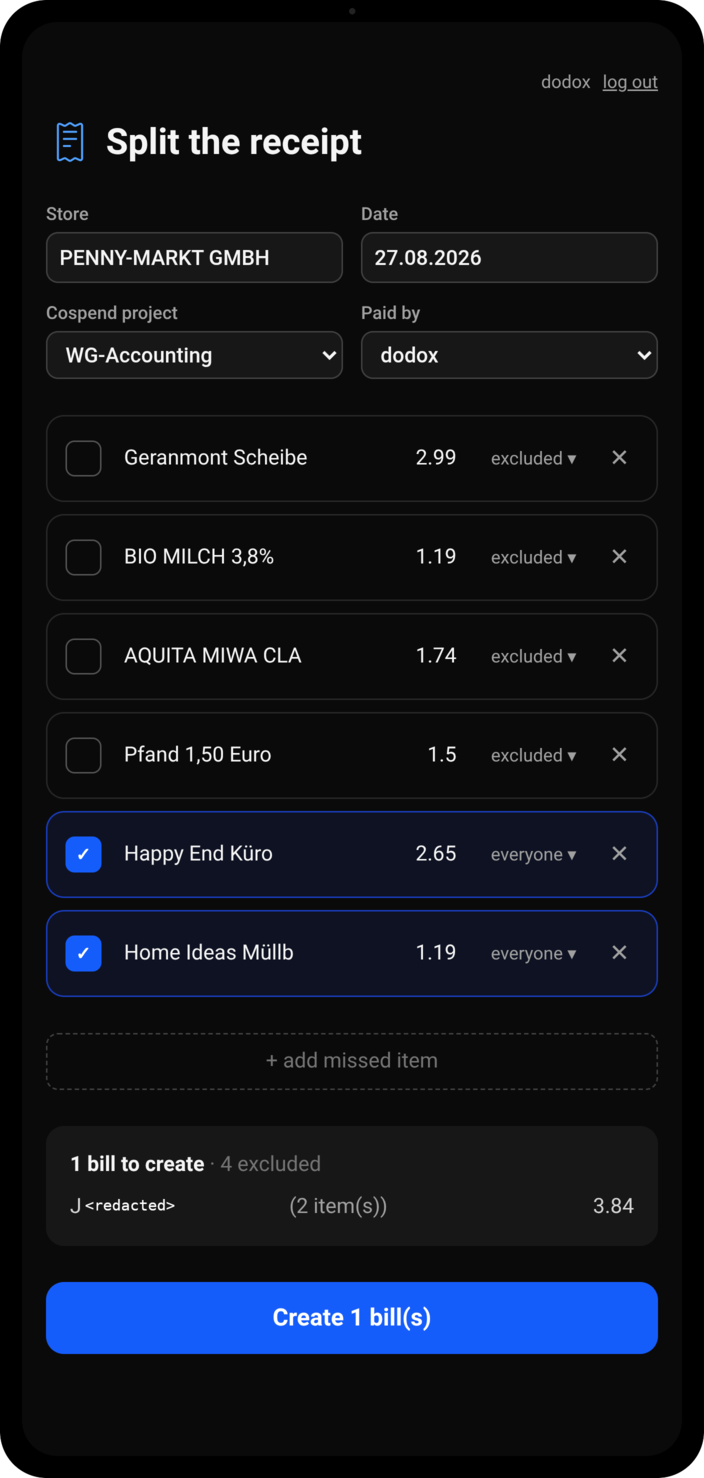
2. A vision model extracts the store name, date, and line items - fix
anything it got wrong.
3. Tap items to include them (splits with everyone by default), or expand
one to pick specific people instead.
4. The app groups items by identical split and creates one bill per group -
a Cospend bill can only have one split, so a receipt with a "shared" item
and a "just me" item becomes two bills automatically.
5. Each bill's photo is uploaded to the submitting user's own Nextcloud
files, shared as a public link, and the bill is created in Cospend with
that link in its title (Cospend's UI only picks up a link there, not in
the comment) and an itemized breakdown in the comment.
## Configuration
Copy `backend/.env.example` to `backend/.env` and fill in:
- Your Nextcloud server address
- A vision provider (base URL, API key, model) - OpenAI, Gemini's
OpenAI-compatible endpoint, or anything else speaking that API
- `TOKEN_ENCRYPTION_KEY` (generate with the command in the file) - encrypts
stored Nextcloud app passwords at rest
There's nothing to configure for auth beyond that - users log in themselves
via Nextcloud, nothing is hardcoded per-account.
## Project Structure
```
backend/
app/
auth.py, auth_routes.py # Nextcloud Login Flow v2, sessions
nc_client.py # WebDAV upload + public share (per user)
cospend_client.py # Cospend OCS API (per user)
llm_client.py # receipt -> {store, date, items} extraction
routes.py # /api/* - receipts, groups, bills
schema.sql # users, sessions, receipts, groups
frontend/
src/
components/
LoginGate.tsx # login flow UI
CaptureStep.tsx # photo capture / drag-drop
GroupStep.tsx # item review + splitting + submission
SummaryStep.tsx
api.ts # backend client
```